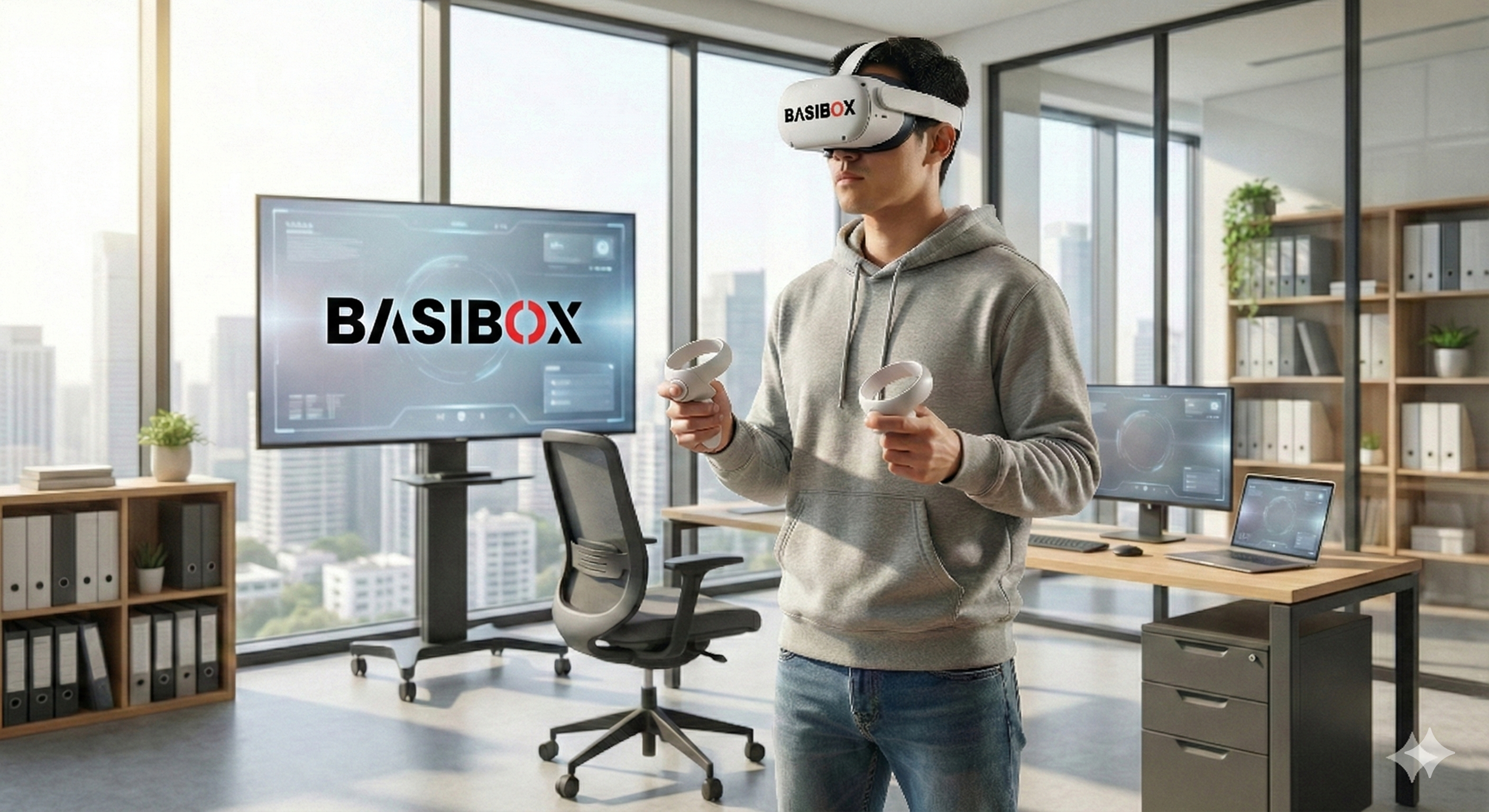
When designing "serious games" for safety, the primary goal is to create muscle memory that translates to the real world. A key part of this is how the user interacts with the virtual environment. Should they hold controllers with buttons and triggers, or should the headset’s cameras track their bare hands?
The answer isn't a simple "one is better than the other." At Basibox, we believe in using the right tool for the job.
The Case for Controllers: Precision and Haptics
For industrial tasks involving machinery, tools, or complex procedures, controllers are currently the superior option for two main reasons:
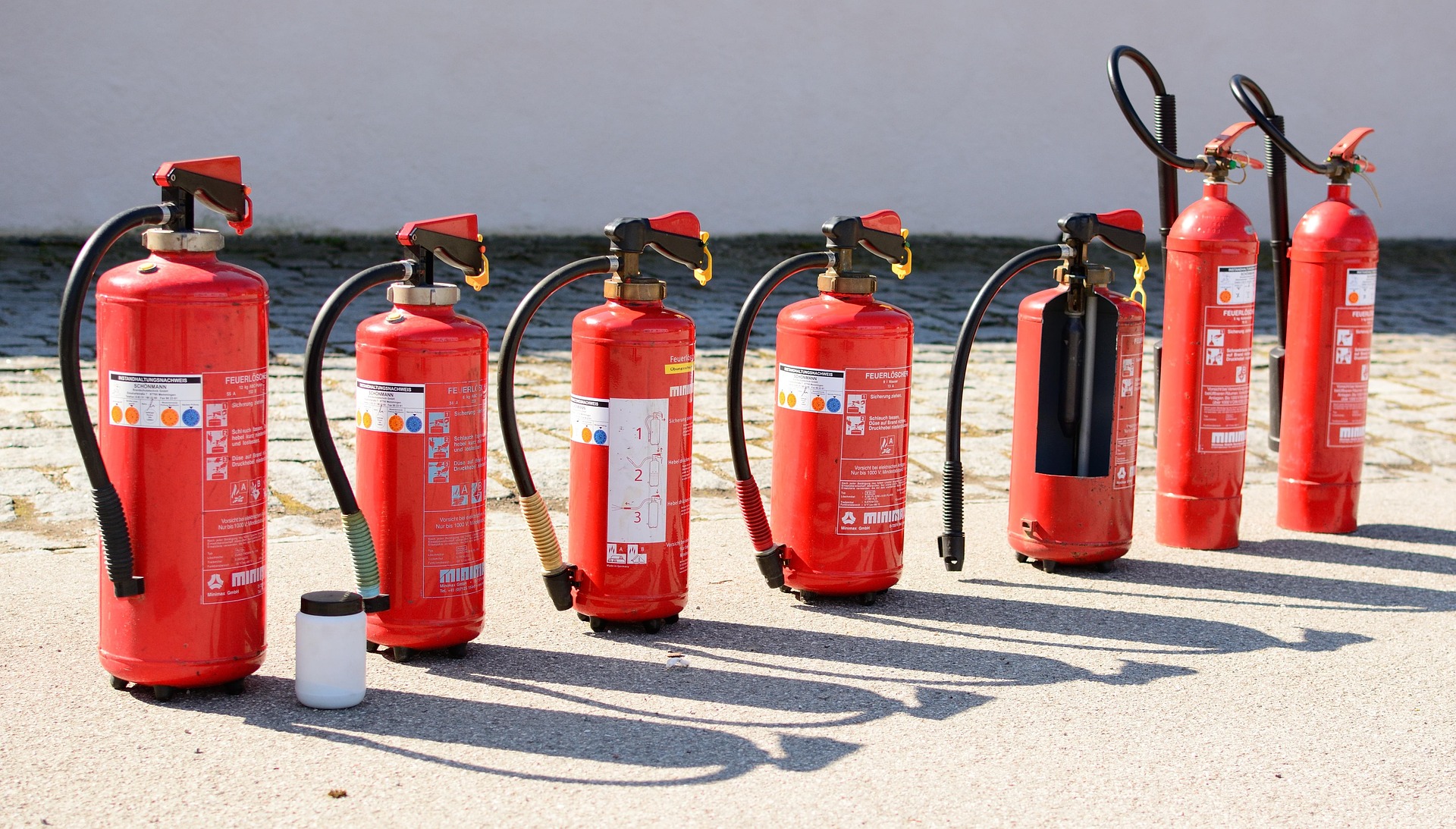
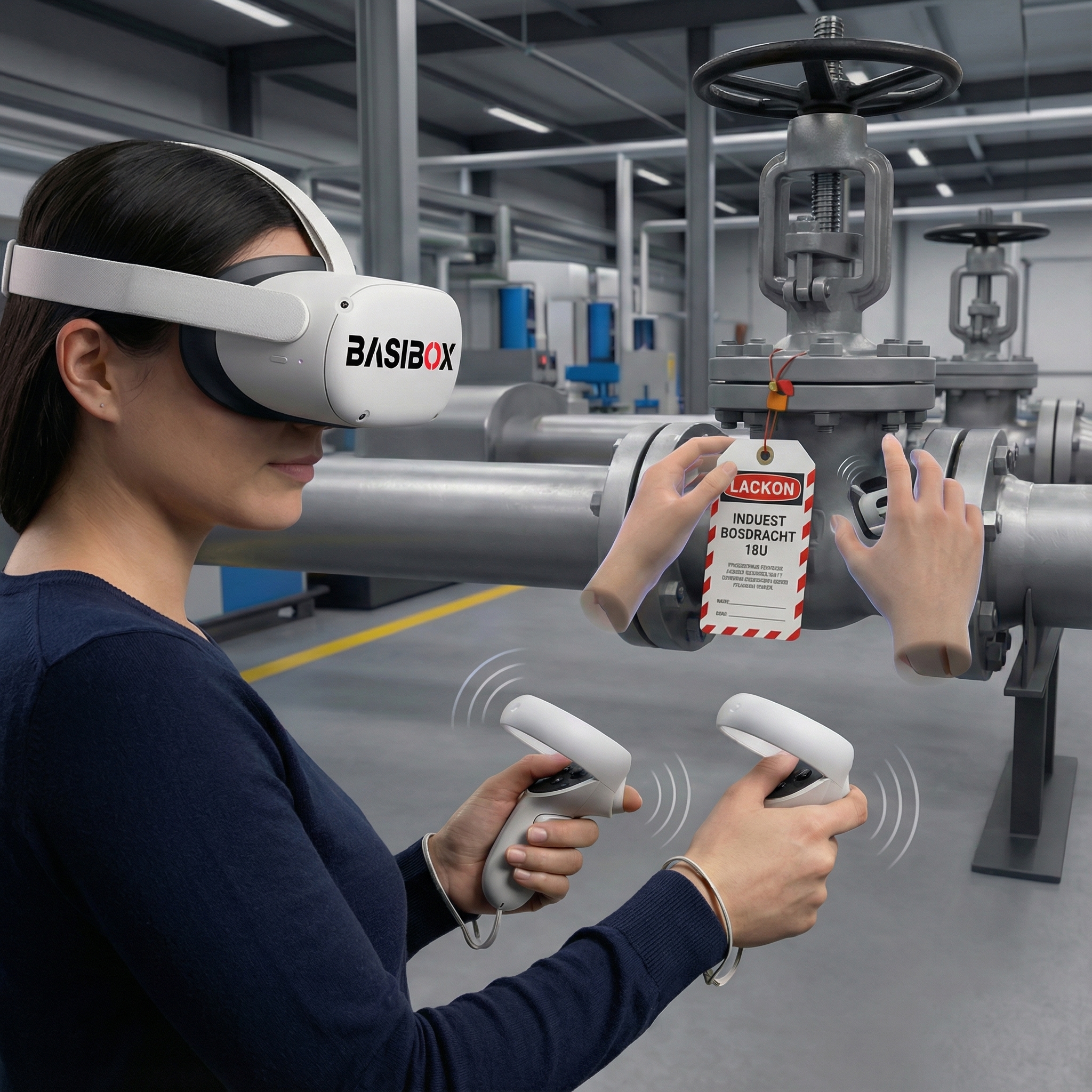
- Precision: When a trainee needs to grip a virtual wrench, align a lock on a breaker for a Lock Out/Tag Out (LOTO) procedure, or pull a specific pin on a fire extinguisher, the physical buttons and triggers on a controller offer a level of mechanical precision that is hard to beat. The act of squeezing a trigger to release an extinguishing agent feels more "mechanical" and realistic than simply making a fist in mid-air.
- Haptic Feedback (The "Feel"): This is the most critical advantage. Controllers have built-in vibration motors. When you flip a heavy high-voltage switch in a Basibox simulation, the controller gives a satisfying "clunk" of vibration. When you connect a hose, you feel a click. This tactile cue reinforces the action in the brain, bridging the gap between the digital and physical worlds. Without it, interacting with heavy machinery can feel weightless and insubstantial.
The Future is Hands-Free: Intuitive and Natural
While controllers are great for mechanical tasks, they can be a barrier for new users who aren't gamers. This is where hand tracking shines.
- Lower Barrier to Entry: There are no buttons to learn. To pick something up, you just grab it. To push a button, you poke it with your finger. This is incredibly intuitive and allows users to focus 100% on the safety lesson, not on which button does what.
- Ideal for "Soft Skills" and Simple Interactions: For modules like Hazard Identification, where the user is simply pointing out risks like a spill or a trip hazard, hand tracking is a more natural fit. It's also excellent for practicing hand signals for crane operations or performing CPR gestures in a first-aid module.
The Basibox Approach: A Hybrid Future
We don't force a single method. Our philosophy is that the technology should never get in the way of the training.
Currently, for our most rigorous technical modules like LOTO and Fire Safety, we rely on controllers to provide the necessary precision and haptic feedback that builds true muscle memory. For more observational or simple interaction modules, we are actively integrating and improving hand-tracking capabilities.
As the technology evolves and hand tracking becomes more precise—and perhaps even incorporates haptic gloves in the future—we will adapt. But today, the combination of high-fidelity visual simulation and the tactile feedback of a controller remains the gold standard for training workers on dangerous industrial equipment.